Moonwalk
Beta — this is a public beta. Moonwalk is a technical prototype that lets you walk the measured terrain of Tranquility Base, where Apollo 11 landed, at one-sixth gravity. The gravity, the walking speed and the jump height are all measured or theoretical values, used as they are.
What you can do here is walk, jump, throw something, and drop a feather and a hammer together. This chapter covers those controls and what the numbers on screen mean.
Where you are standing
Under your feet is roughly a two-kilometre square centred on the Apollo 11 landing site, built from elevations the Lunar Reconnaissance Orbiter measured at two metres per pixel. None of this relief is invented. It loads at low resolution first and swaps in the measured detail once the connection is idle.
Gravity is 1.62 m/s². There is no physics engine: walking and the arc of anything you throw are computed with analytic kinematics. With no atmosphere, a thrown rock traces an exact parabola — there is no drag term to spoil it.
The FPS figure at the top right is a one-second rolling average. Measuring that number on real devices is the entire point of this prototype.
Walking, jumping, throwing
Press W. Or A, S, D, or the arrow keys — that is all it takes to start walking. You do not have to click first. The hint in the middle of the screen talks about the camera, which makes it look like a gate; it is not one.
Space jumps. One catch: if you have just pressed a button in the panel, focus is still on that button and it swallows the Space. If nothing happens, click somewhere on the ground first and try again.
To turn the camera, click the scene. Mouse movement becomes your gaze, and Esc releases it. Click again while the camera is captured and you throw something. Throwing works only in that state — with the pointer released, clicking does nothing.
On a phone, hold and drag on the left half of the screen to walk with a virtual stick, and drag on the right half to turn the camera. Jump and Throw are the buttons at the lower right; Feather & hammer is at the lower left.
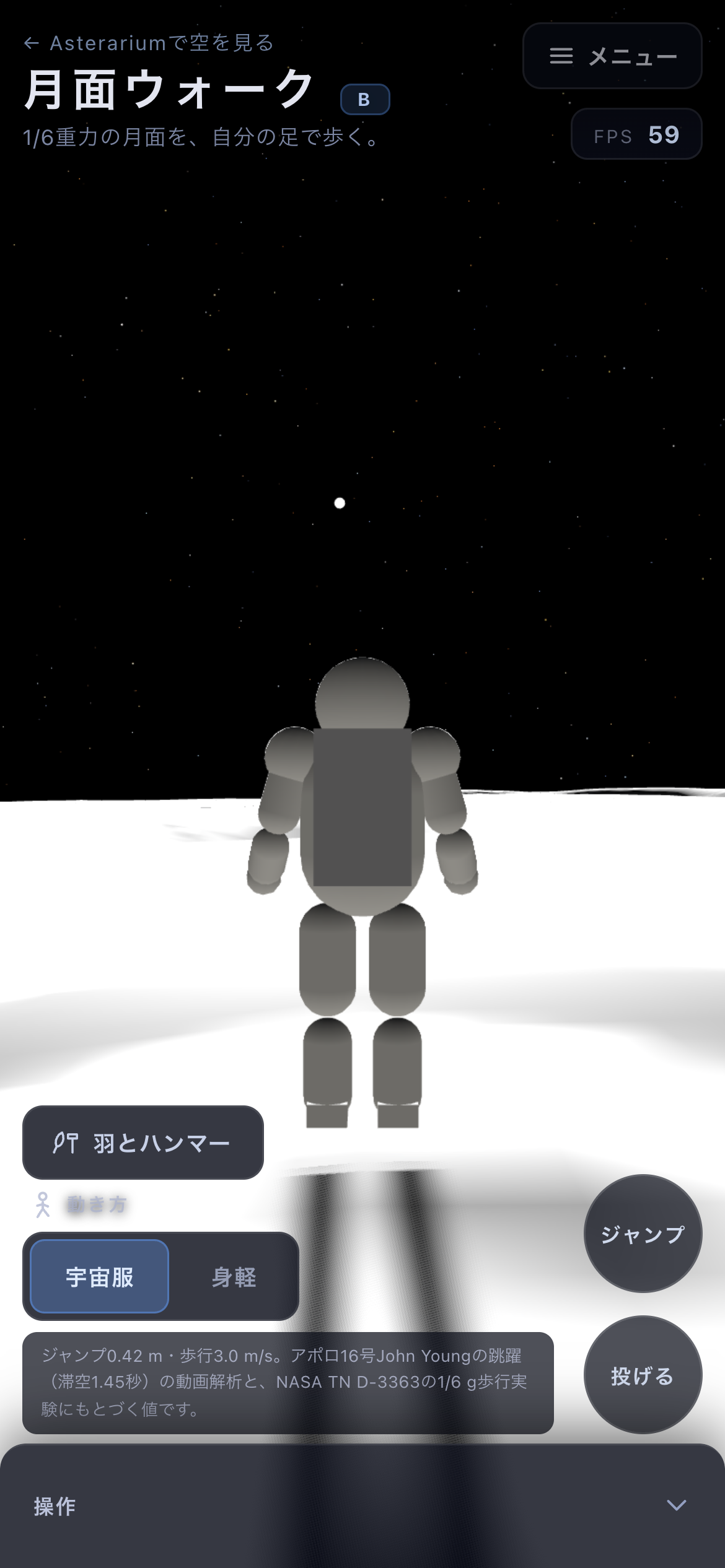
On a phone: the left half is a virtual stick, and jump and throw are at the lower right.
Dropping the feather and the hammer
Press H, or the Feather & hammer button at the lower left. Both arms rise, a hammer in one hand and a feather in the other, and release from the same height at the same instant.
They fall together — about 1.6 m, about 1.4 seconds. With no air, a factor of forty in mass makes no difference at all; air resistance was the whole of the story. When they land, a line appears at the top of the screen crediting the real experiment: Commander David Scott, Apollo 15, 2 August 1971. It clears after about eight seconds, so drop them again if you missed it.
Pressing again mid-fall does nothing. Let them land first.
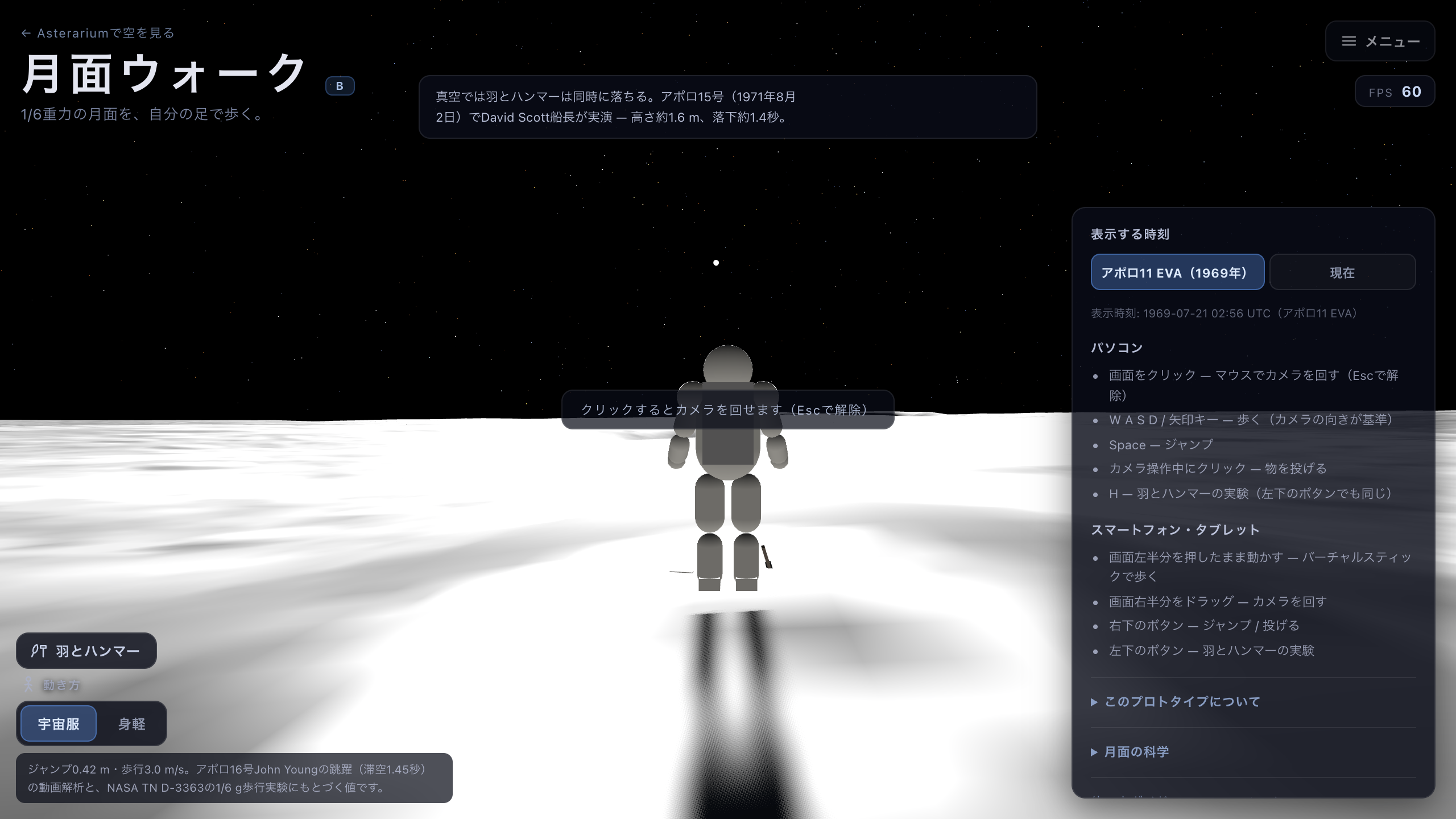
The instant the feather and the hammer land together. About 1.6 m in about 1.4 s: with no air, the mass is irrelevant.
The light of 1969, and the light of now
Displayed time starts on Apollo 11 EVA (1969) — 21 July 1969, 02:56:15 UTC, the moment Armstrong stepped down. The angle of the Sun and the look of the Earth hanging in the sky are the real values for that instant. The shadows run long because the Sun was still low.
Switch to Now and the lighting becomes this moment's. A lunar day is about twenty-nine Earth days, so there is no guarantee of daylight: if the site is on the night side, the page says so and gives the Sun's altitude, noting that what light there is comes from earthshine. Going dark is not a fault — it means it is currently night at Tranquility Base.
The sky stays black either way. With no atmosphere there is nothing to scatter light, and that does not change at noon.
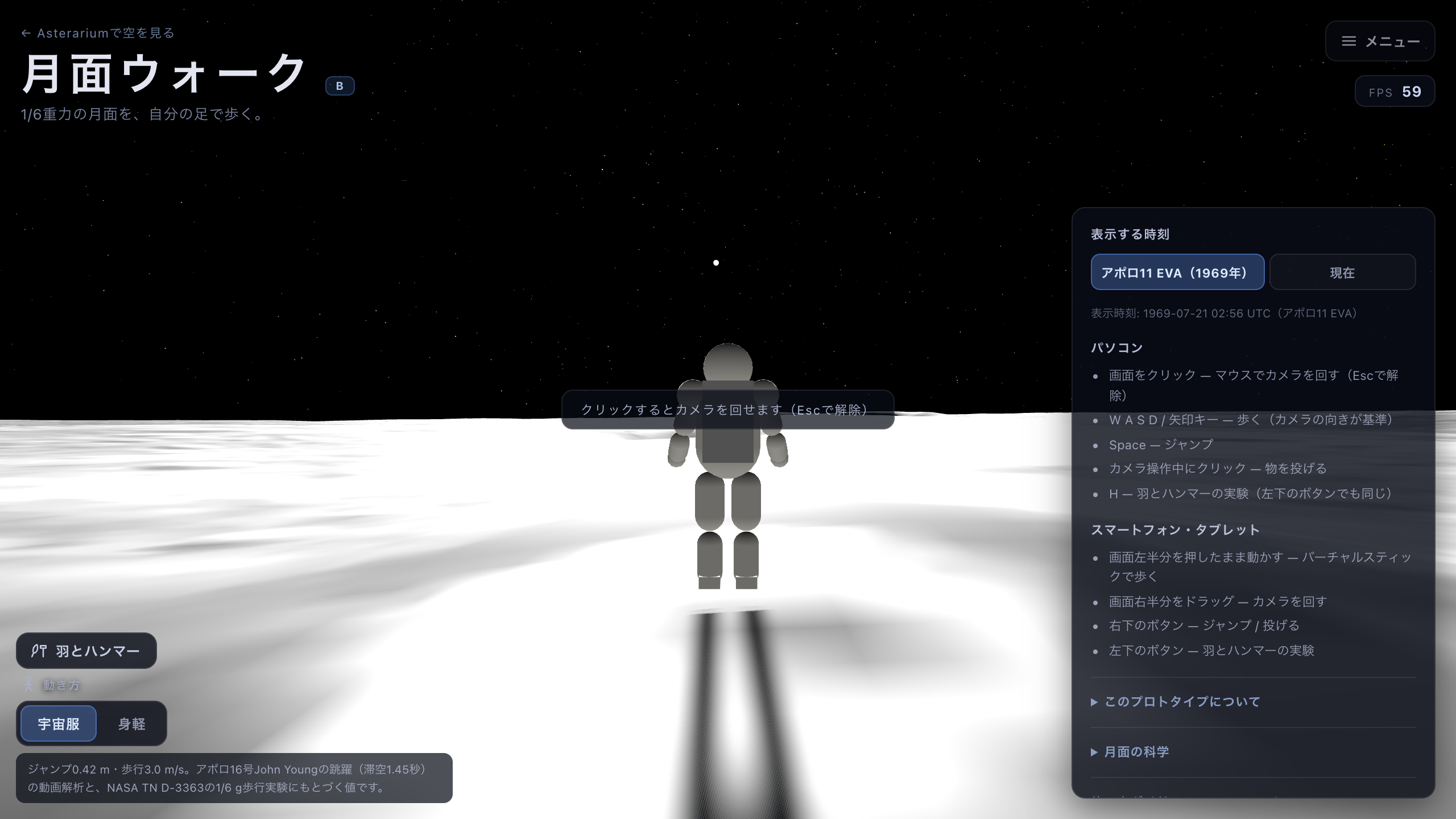
The light of 21 July 1969. The Sun is low, so the shadows run long — and the sky is black even at noon.
Taking the suit off
Movement, at the bottom left, offers Suited and Unsuited. Suited is the default: a 0.42 m jump and a 3.0 m/s lope, from video analysis of John Young's jump on Apollo 16 and from NASA's one-sixth-gravity walking trials.
Switch to Unsuited and press Space again. You go 2.72 m — the theoretical figure for the same leg power at one-sixth gravity.
That gap is the point of the page. What kept the astronauts down was not gravity. It was the range of motion of a stiff pressurised suit, and the cost of falling over on the Moon. They could have jumped six times higher; the suit is the reason they did not.